
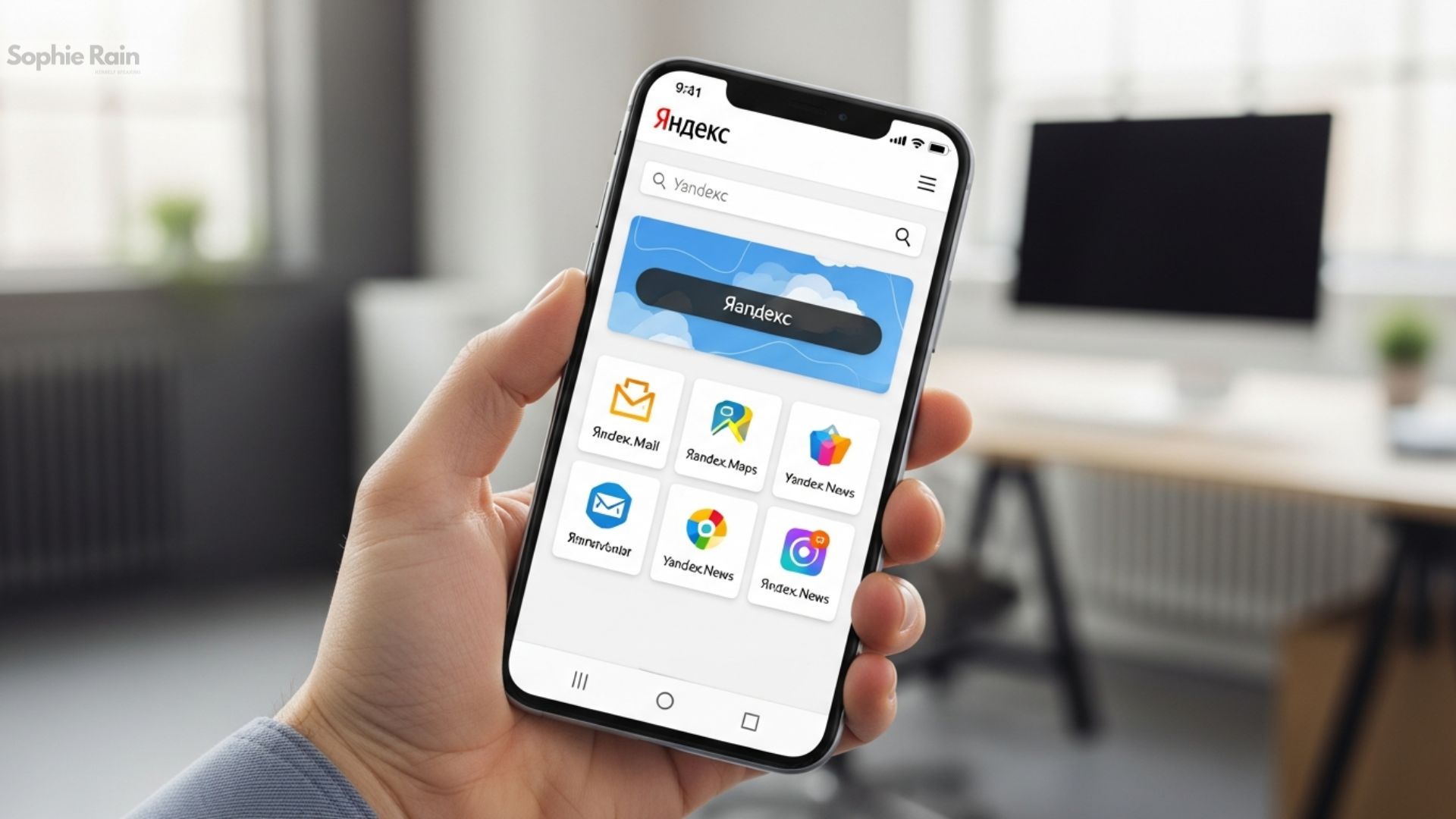
Yandex Browser: A Fast and Secure Internet Companion
Hello friends! Are you tired of slow loading or security concerns while browsing the internet? I was too, until I met Yandex Browser. This browser is a wonder developed by the Russia-based Yandex company. Being Chromium-based, it gives a similar feel to Google Chrome, but it’s packed with extra features. Today, I’ll tell you everything about Yandex Browser – from its features to security measures, even comparisons with other browsers. Are you ready? Let’s get started!
Yandex Browser was launched in 2012 and has gained millions of users since then. It’s especially popular in Russia and surrounding countries, but it’s also spreading in Turkey. Why? Because it’s fast, secure, and user-friendly. If you’re searching for “Yandex Browser download,” you can easily install it from the official site.
What is Yandex Browser and How Does It Work?
Yandex Browser is a free web browser. Built on the Chromium project, it uses the Blink engine. This makes it compatible with modern websites. But it’s integrated with Yandex’s own ecosystem: services like search, maps, mail are directly accessible.
Simply put, this browser is ideal for daily use. For example, a student can save time with the voice search feature while researching homework. Or someone with slow internet can load pages quickly thanks to Turbo mode. I personally used Turbo at home with slow Wi-Fi while watching videos – the difference is incredible!
Yandex Browser works on Windows, macOS, Linux, Android, and iOS. The latest version (around 25.12 as of 2026) has been updated with AI integrations. Thanks to neural networks, it detects phishing sites – according to independent tests, it’s 7 times better than competitors.
Yandex Browser Features: What Does It Offer?
Yandex Browser is rich in features. Here are some of my favorites:
- Turbo Mode: Compresses media content on slow connections, saves data. A lifesaver for mobile users!
- Zen Feed: Personalized news and video suggestions. I browse news while drinking my morning coffee, and it shows content just for me.
- SmartBox: Address bar and search combined, with voice search support. Saying “Weather Istanbul” gives instant results.
- Image and Video Translation: Translates pictures or videos with AI. I entered a foreign site, and it translated the images to Turkish – super practical!
- Customization: Wallpapers, dark mode, auto-hiding tabs. I choose colorful backgrounds, my eyes don’t get tired.
These features set Yandex Browser apart from others. For example, ad blocking that requires extra extensions in Chrome is built-in here.
Additionally, it supports progressive web apps (PWAs) with side panels. This lets you use sites like apps. I tried it for a game site, it worked great on desktop.
Security and Privacy: Is Yandex Browser Safe?
Security is the most important thing on the internet. Yandex Browser stands out with its Protect system. Neural networks detect phishing, scans downloads with Kaspersky. It encrypts DNS queries with DNSCrypt – prevents data theft on public Wi-Fi.
An independent study says it’s superior to competitors in phishing detection. For example, when I clicked on a suspicious site, it immediately warned me and saved me.
But privacy? Be careful here. Some experts say it sends hardware IDs and browsing data to Yandex servers. Due to its Russia connection, there are geopolitical concerns. I turn off telemetry, but if you’re completely privacy-focused, consider Firefox. Warning: Every browser collects data, check the settings!
Performance and Compatibility: Is It Really Fast?
Yandex Browser competes head-to-head with Chrome in performance tests. Startup time is 3 seconds, search query 1.6 seconds. With low resource consumption, it works well on old devices.
It supports Chrome extensions, so there are thousands of options. I installed uBlock Origin, ads disappeared. Ideal for crypto trading or video streaming – I tested it, no issues.
Let’s make a comparison table:
| Feature | Yandex Browser | Google Chrome |
|---|---|---|
| Base Engine | Chromium/Blink | Chromium/Blink |
| Unique Features | Turbo mode, Zen feed, AI translation, DNSCrypt | Extensive extension ecosystem, Google integration |
| Privacy Rating | Low (sends data) | Moderate (configurable) |
| Global Market Share | <1% | ~65% |
| Speed (Startup/Search) | 3s / 1.6s | 2-4s |
| Resource Usage | Low-moderate | Moderate-high |
| Ad Blocking | Built-in | Requires extensions |
| Mobile Extension Support | Yes (Chrome extensions on Android) | Limited |
This table shows that Yandex Browser stands out in feature richness in the Yandex Browser vs Chrome comparison.
Yandex Browser User Reviews and Experiences
According to 2026 reviews, it has 4.7/5 on the App Store. Users praise the speed and design: “It eats less RAM than Chrome!” says one. But there are privacy criticisms: “The Russia connection bothers me.”
I used it for two weeks, as described in a review video. It’s fast, but I personalized the data settings. If you live in Turkey, its priority for local sites is nice.
Yandex Browser Download and Installation Guide
Go to browser.yandex.com for Yandex Browser download. Choose x64 or x32 for Windows. Installation is simple: Download, run, transfer old browser data.
For mobile, install from Google Play. Synchronization makes switching between devices easy.
Yandex Browser Disadvantages: Is Everything Perfect?
No browser is perfect. Yandex’s global market share is low, so some extensions may not be optimized. Also, being Russia-based raises suspicions in the West due to sanctions. They’re not transparent about data collection – independent analyses confirm this.
If privacy is your priority, strengthen it with extra extensions. My experience is positive, but not for everyone.
Yandex Browser 2026 Updates
In 2026, Yandex increased AI integration. Updated as a neural browser: features like text writing, image creation added. It grew in Turkey with AI focus, broke records in search and map services.
We expect more local integrations in the future.
Conclusion
Yandex Browser is a fast, feature-packed, and secure option. It makes a difference especially with Turbo mode and AI translations on slow connections. Easy transition for Chrome users, but don’t forget privacy settings. If you’re looking for a new browser, try it – you won’t regret it!
Finally, like every browser, Yandex Browser should be chosen according to your needs. Ideal for daily users like me, but professionals should research more. Thanks for reading – share your experiences in the comments!
FAQ
Q: What is Yandex Browser and how to download it?
A: Yandex Browser is a free Chromium-based web browser known for fast loading and security features. To download, go to browser.yandex.com, select your operating system, and install. For mobile, access via Google Play – a simple and quick process, takes about 1 minute.
Q: Is Yandex Browser safe?
A: Yes, Yandex Browser provides protection against phishing and malware with its Protect system. It’s strong with neural networks and Kaspersky integration. However, be cautious about data collection; turn off telemetry settings. Independent tests show it’s superior to competitors, but not completely privacy-focused.
Q: What are the features of Yandex Browser?
A: Yandex Browser features include Turbo mode, Zen news feed, AI image/video translation, and voice search. Customizable backgrounds and ad blocking are built-in. It works well on old devices with low resource usage – a perfect choice for daily browsing.
Q: Yandex Browser vs Chrome: Which is better?
A: In Yandex Browser vs Chrome comparison, Yandex stands out with Turbo mode and AI features. Chrome offers broader extension support. Performance is similar, but Yandex is more efficient on low connections. Your choice depends on your needs – both are Chromium-based.
Q: Yandex Browser review: How is it in 2026?
A: 2026 Yandex Browser review scores are high: 4.7/5. Popular with fast startup (3 seconds) and AI updates. Users praise design and security, but there are privacy criticisms. Growing in Turkey, ideal for slow internet – try it and decide.